Roon Ready vs Roon Tested vs Roon Server: What Each Label Actually Means
Roon Ready, Roon Tested, Roon Server and Roon Output describe different parts of a Roon system. Learn which label belongs to the server, playback device and DAC—and what each does not guarantee.
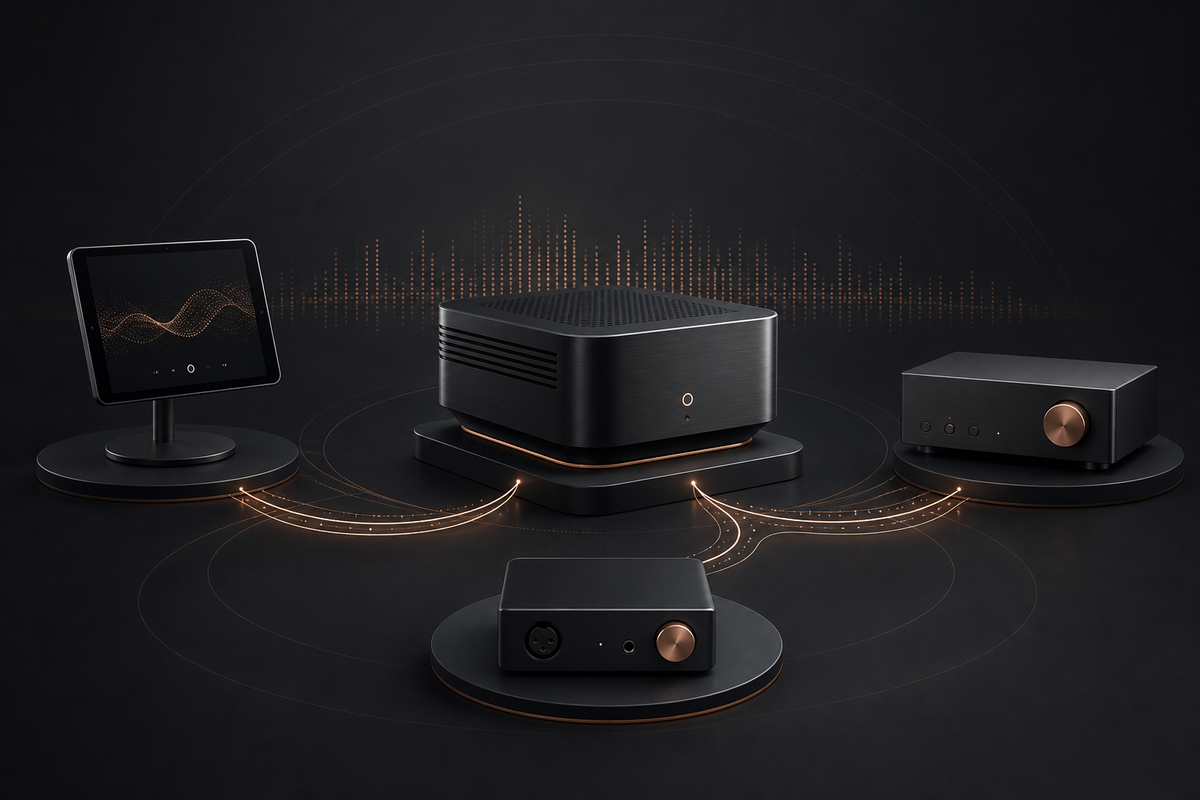
Roon Ready, Roon Tested and Roon Server do not describe three quality levels of the same product. They describe different roles or integration paths inside a Roon system. A product can be important to the system without being Roon Ready, and buying a Roon Ready streamer does not remove the need for a Roon Server.
The easiest way to understand the labels is to separate four jobs: the server manages the library and playback system; the control device is the screen you use; the output device receives audio; and the DAC converts digital audio to an analogue signal when that conversion is required.
Short answer
- Roon Server is the software “brain” that manages the library, metadata, playback and audio zones.
- Roon Control is the phone, tablet or computer interface used to browse music and control playback.
- Roon Output is the playback destination: a network player, computer audio output, compatible speaker or connected DAC.
- Roon Ready means a network audio product has integrated Roon’s RAAT streaming technology and passed Roon’s certification process.
- Roon Tested means Roon and the manufacturer have tested a supported product for compatibility and identification. It is not the same integration path as Roon Ready.
These roles can live in separate boxes or overlap. A computer may run Roon Server and also play through a connected USB DAC. A dedicated server may send music over the network to several Roon Ready players. A phone may control the system without carrying the audio stream to the player.
What Roon Server does
Roon’s official architecture describes the server as the component that manages the music library, watches for file changes, analyzes audio, identifies music and coordinates control and output devices. It also performs processing required by the active playback path.
Roon Server can run on a supported computer or dedicated server hardware. The important question is not whether the machine has an audiophile badge. It is whether it meets the current Roon requirements, can remain available when you want to listen and has enough capacity for your library, zones and processing needs.
A Roon Ready streamer is not a Roon Server unless its documentation explicitly says it can run the server component. Most Roon Ready network players are outputs: they receive audio from a server running somewhere else.
What the control device does
The control device provides the interface for browsing artists, albums, credits, versions and playlists, selecting a zone and changing playback. A phone or tablet used as a remote does not automatically become the audio source.
This distinction matters because Roon can send audio directly from the server to a network output while the phone only sends commands. Closing the control screen therefore does not necessarily stop playback. The exact behavior depends on the active output and system state, but the control device should not be confused with the server or the endpoint.
What Roon Ready means
Roon Ready applies to network audio products that integrate RAAT, Roon’s network audio transport, into their firmware. Roon says products go through certification and compatibility testing before receiving the label.
In practical terms, a Roon Ready product is designed to appear as a network audio zone without requiring a separate USB connection to the server. Depending on the product, Roon may control playback, volume, standby, source selection or front-panel information through the certified integration.
The label is useful because it confirms a defined Roon integration and testing process. It does not mean:
- the device is a Roon Server;
- every advertised input and output is part of the Roon path;
- every DSP or multi-room feature works outside Roon;
- the product has better analogue performance than every non-Roon device;
- the manufacturer will support every unrelated feature forever.
Roon Ready is a compatibility and integration label, not a universal sound-quality ranking.
What Roon Tested means
Roon Tested is a separate partner program. It commonly applies to DACs and other audio products that Roon and the manufacturer have tested together for reliable recognition and operation. Roon may identify the device, show its branding and provide product-specific information in the signal path or zone interface.
A Roon Tested USB DAC still needs a device that can connect it to the Roon system. That might be the computer running Roon Server, a separate Roon output computer or a compatible network bridge with USB output. The Roon Tested label does not add an Ethernet or Wi-Fi input to hardware that does not have one.
The key difference is therefore the connection path:
- Roon Ready normally describes a certified network endpoint with RAAT built into its firmware.
- Roon Tested describes tested compatibility with a product connected through a supported path, often USB.
Always check the exact model and connection method. Similar product names, later hardware revisions and regional variants should not be assumed to share certification.
Roon Server hardware is another category
Dedicated Roon Server products run the server component. They organize the library and send audio to outputs, but they do not automatically replace a DAC, amplifier or speakers.
Some server hardware also provides local audio outputs. That can reduce the number of boxes in one room, but the two roles remain conceptually separate: running the server is one job, and delivering audio to a system is another.
When choosing server hardware, check:
- current operating-system and processor requirements;
- library size and the number of simultaneous zones;
- DSP, sample-rate conversion and convolution needs;
- internal or external music storage;
- backup strategy;
- network connection and expected uptime;
- whether local audio outputs are actually required.
Do not buy an expensive server merely because a product page implies that all digital audio processing benefits from luxury hardware. First establish whether your present computer is unreliable, unavailable or underpowered for the workload you actually use.
Five common system examples
1. Existing laptop plus USB DAC
The laptop can run Roon Server and send audio directly to a connected Roon Tested or otherwise supported USB DAC. This is the smallest starting point. The laptop must remain available during playback.
2. Dedicated server plus Roon Ready streamer
The server manages the library and processing. The Roon Ready streamer appears as a network zone and feeds an amplifier, active speakers or an external DAC, depending on its outputs.
3. Dedicated server plus network bridge plus USB DAC
The bridge acts as the Roon output and sends USB audio to the DAC. The DAC does not need to be Roon Ready because the bridge provides the network connection. Exact USB compatibility and format support still need checking.
4. Several Roon Ready products in different rooms
One server can manage several zones. Roon Ready supports Roon’s multi-room architecture, but synchronization and grouping should still be evaluated for the exact models, network and formats in use.
5. Roon Ready integrated amplifier
The amplifier may combine the network endpoint, DAC, volume control and speaker amplification. The Roon Server still runs elsewhere unless the amplifier explicitly includes that function.
What to check before buying
- Exact certification: Search Roon’s current partner list for the exact model, not only the brand.
- Role: Decide whether you need a server, a network output, a DAC, amplification or several of these functions.
- Connection: Confirm Ethernet, Wi-Fi, USB, optical, coaxial or analogue connections along the complete signal path.
- Volume behavior: Check fixed versus variable output and identify the one safe master volume control.
- Format limits: Read the limits for the actual connection you will use, not the largest number in the product specification.
- DSP and grouping: Confirm what happens to sample rate, headroom and zone compatibility when processing or multi-room playback is active.
- Firmware status: Certification does not eliminate the need to update firmware or check current release notes.
- Non-Roon use: Verify the services, inputs and control methods you need when Roon is not running.
The bottom line
Roon Server manages the system. Roon Control is the interface. A Roon Output plays the audio. Roon Ready identifies a certified RAAT network endpoint, while Roon Tested identifies a different tested-compatibility relationship with supported hardware.
Choose by role and signal path, not by collecting badges. Start with the system you already own, identify the missing job and then buy the smallest component that performs that job reliably.
Related SoundPath Lab reading
- Music Streamer vs DAC vs Network Player
- WiiM Pro Plus Explained
- Product Profiles
- Brand Profiles
- System Builder
Evidence and verification
Evidence basis: Official Roon architecture and partner-program documentation. This article explains system roles and certification labels; it is not a hands-on review of a particular server, endpoint or DAC.
Last checked: 4 September 2026.
Limitations: Roon’s supported operating systems, partner list, firmware integrations and model certifications can change. Confirm the exact product in Roon’s current partner directory and check the manufacturer’s current documentation before purchase.
Primary sources:
Continue the research
Move from this article to a verified product decision
Use descriptive links to move between product records, brand evidence, comparisons, setup or issue guidance, and compatible-system tools. Inclusion reflects subject relevance, not a score or endorsement; product facts, recommendation eligibility, and commercial links remain separate.
Product page
Verify the exact model
Brand center
Check the wider platform
Related comparison
Compare the system role
Setup, firmware & problems
Check behavior before buying
System Builder & compatibility