Discontinued, Unsupported or Service-Ended? What Audio Owners Should Do
A practical framework for deciding whether to keep, replace or avoid audio products after hardware discontinuation, support withdrawal or cloud-service shutdown.
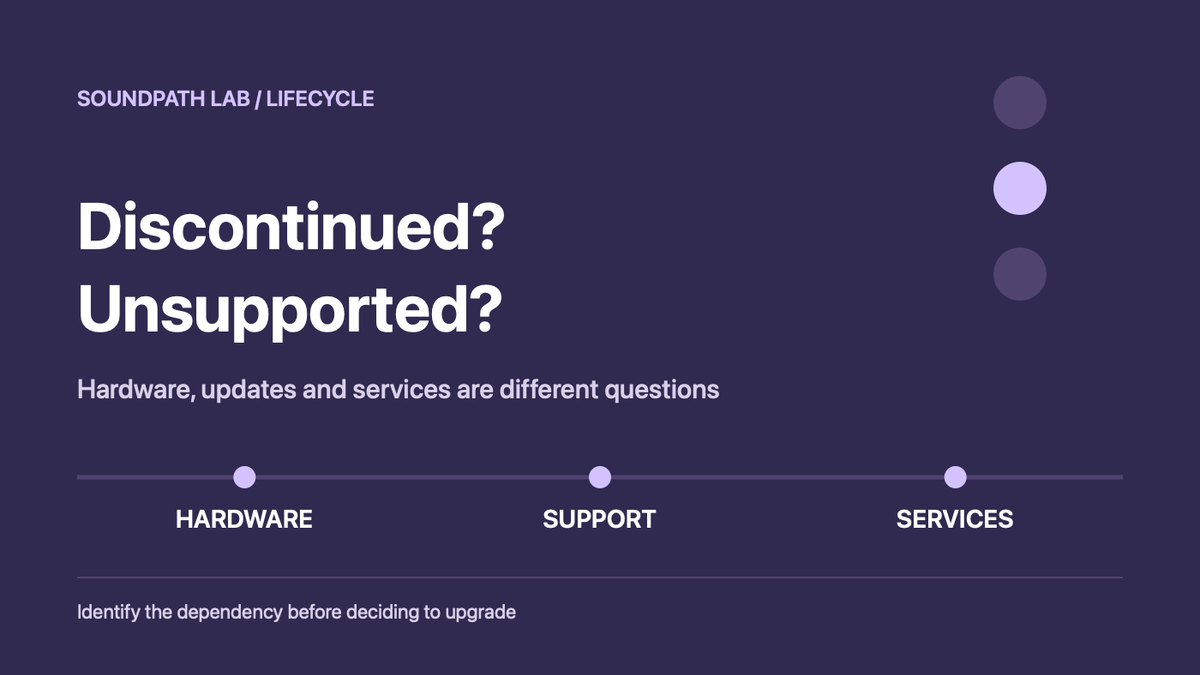
An audio product can disappear from stores and remain completely useful. Another can stay physically intact while a cloud shutdown removes the function that made it worth buying. “Discontinued,” “unsupported” and “service-ended” are therefore not interchangeable labels—and none of them automatically tells an owner to upgrade.
The practical question is simpler: which functions still work without the manufacturer, how long are the remaining dependencies likely to last, and has the brand provided a realistic remedy for what is being removed?
Direct answer
- Discontinued hardware means production or normal retail sale has ended. Keep using it if the functions you need still work and support has not ended.
- Support ending means a dated support obligation is approaching its end. Prepare a fallback before that date; do not assume the product stops working on that date.
- Support ended means the manufacturer no longer provides some combination of updates, repair help, parts or customer care. The remaining product may still be useful, but future risk is higher.
- Service-ended means a cloud service, streaming integration or app-dependent function has stopped. Judge the product by the local inputs and protocols that remain.
- Successor launched means a replacement exists. It does not prove the old product is unsupported or that upgrading solves an owner’s problem.
Five lifecycle states that require different decisions
1. Discontinued, with continuing support
Google ended production of the Nest Mini and Nest Audio in June 2026, while saying existing devices would continue to receive software updates, security patches and customer care. The support end date was not stated.
For a current owner, that is not an automatic replacement trigger. A working unit can remain in service. The uncertainty belongs in the support horizon, not in an invented claim that the speaker is already obsolete.
For a used buyer, the same record changes the risk calculation. The product is no longer current-production hardware, and there is no published minimum remaining support term. A low price may still be rational, but it should compensate for that uncertainty.
2. Hardware remains, but a cloud platform ends
Bose’s SoundTouch shutdown illustrates a different state. When cloud-backed browsing, presets, multi-room functions or the original app path disappear, the cabinet and amplifier can remain functional while the original connected-product promise shrinks.
Owners should inventory the functions that remain local: Bluetooth, analogue input, optical, HDMI or another protocol may preserve useful life. “Still produces sound” and “still performs the job originally purchased” are not the same verdict.
3. One service ends, not the whole product
The end of Spotify support on specified LG Music Flow products is narrower than a complete hardware or platform shutdown. Owners should not generalize a single lost integration into “the speaker no longer works.” They should identify whether the missing service was central to their use, whether another supported input or protocol replaces it, and whether the workaround creates unacceptable friction.
This is where a keep-or-upgrade decision becomes personal without becoming vague. If Spotify was the only function used and no reasonable route remains, replacement may be justified. If optical, Bluetooth or local playback still solves the real job, keeping the product may be the better decision.
4. Hardware support ends before cloud or app support
Some products have separate dates for repair or hardware support, cloud operation and app availability. Listen EVERYWHERE and specified legacy ListenRF records show why a single “end-of-life” date can mislead.
Before deciding, separate at least four clocks:
- hardware repair and parts;
- firmware and security updates;
- cloud or account services;
- app availability and operating-system compatibility.
The earliest date is not necessarily the day the product becomes unusable. The latest date is not proof that every important function remains supported.
5. A successor receives the fix while the old model does not
A new model can be a normal replacement, but it can also expose an owner-responsibility problem. If the successor solves a defect or limitation that remains unresolved on the previous product, the relevant question is not whether the new model is better. It is whether existing owners received a repair, update, replacement, refund, discount or clear explanation.
SoundPath Lab treats a successor-only improvement as evidence about the new product. It becomes evidence about owner responsibility only after the older product’s outcome is documented.
The owner dependency test
Before replacing anything, write down the product’s actual job and classify every dependency:
| Dependency | What to verify | Failure consequence |
|---|---|---|
| Local analogue/digital input | Works without account or cloud | Product may retain core utility |
| Local network protocol | AirPlay, UPnP, Roon or similar still operates | May preserve streaming through another app |
| Manufacturer app | Available, signs in and supports current phone OS | Loss may block setup or control |
| Cloud account/service | Login, discovery and music services still respond | Core connected functions may disappear |
| Firmware/security | Updates continue or a final stable release is documented | Rising compatibility or security risk |
| Repair/parts | Region, parts, service term and cost | Physical failure may become uneconomic |
The highest-risk product is not always the oldest. It is the one whose essential job depends on a single service the owner cannot replace.
Keep, prepare or replace
Keep it
Keep the product when its required functions still work, the remaining dependencies are acceptable, and a replacement would add no needed capability. Discontinuation alone is not an upgrade reason.
Keep it, but prepare a fallback
Prepare a fallback when the product still works but has an unknown or dated support horizon. Export local data where possible, record reset and setup steps, keep compatible control devices available, and identify a wired or local-network input that avoids the threatened service.
Replace it
Replacement becomes rational when a lost or ending dependency removes the product’s essential job, there is no proportionate workaround, the security/repair risk is unacceptable, or the cost of maintaining the workaround exceeds the value of the equipment.
Do not buy it used
Skip a used product when the seller cannot demonstrate reset and account transfer, a required app is unavailable in your region, the device depends on a closed cloud service, or the price assumes current support that no longer exists.
How to judge the brand’s remedy
A responsible sunset is more than an announcement. Look for:
- enough notice for owners to act;
- a complete list of affected models and functions;
- clear separation of what stops and what remains;
- data export, local-control or open-interface options;
- security and final-firmware information;
- repair, replacement, refund or migration help where appropriate;
- continued access to manuals and recovery tools;
- updates when the plan changes.
A discount on a successor may help, but it does not automatically remedy lost functionality. Likewise, a promise of continuing support is useful but incomplete when the duration and scope are unknown.
Current verdict
Do not upgrade because a product is labelled “discontinued.” Upgrade only when a verified lifecycle change breaks the job your system needs done or raises a risk you are unwilling to accept.
For owners, the best outcome may be to keep the hardware and replace only the disappearing function. For buyers, the best price is not the lowest listing—it is the price that reflects the remaining supported life and the cost of a fallback.
Evidence and limitations
Primary-source Verified: product-specific shutdown, support and service statements are recorded in the linked SoundPath Lab lifecycle/issue records and their official sources.
Editorial Decision Framework: the lifecycle categories, dependency test and keep/prepare/replace logic are SoundPath Lab’s synthesis.
Unknown: a brand promise without a published end date is not converted into a guaranteed support period.
Not tested: this article does not claim a SoundPath Lab hands-on retest of every residual function on every cited product.
Related records
- Lifecycle & Support Watch
- Google Nest Mini and Nest Audio Are Discontinued, but Support Continues
- Bose SoundTouch Cloud Support Has Ended
- Spotify Support Ended on Specified LG Music Flow Products
- Listen EVERYWHERE and Legacy ListenRF Hardware Support Ends December 31, 2026
- Product Issues & Limitations
- Lifecycle and Owner Responsibility Method
- Applied example — 26 September 2026: Hegel now has a current H200 while retaining official documentation for a discontinued H200 (2005). The Hegel H200 generation-identification guide shows why model identity must be established before lifecycle, support or upgrade advice is applied.
Continue the research
Move from this article to a verified product decision
Use descriptive links to move between product records, brand evidence, comparisons, setup or issue guidance, and compatible-system tools. Inclusion reflects subject relevance, not a score or endorsement; product facts, recommendation eligibility, and commercial links remain separate.
Product page
Verify the exact model
Brand center
Check the wider platform
Related comparison
Compare the system role
Setup, firmware & problems
Check behavior before buying
System Builder & compatibility