
Teufel ROCKSTER NEO Silent After Firmware Update: Official Recovery Steps
Teufel officially recognizes that ROCKSTER NEO units may remain silent after a firmware update. Here are the recovery steps, evidence limits, and buyer guidance.
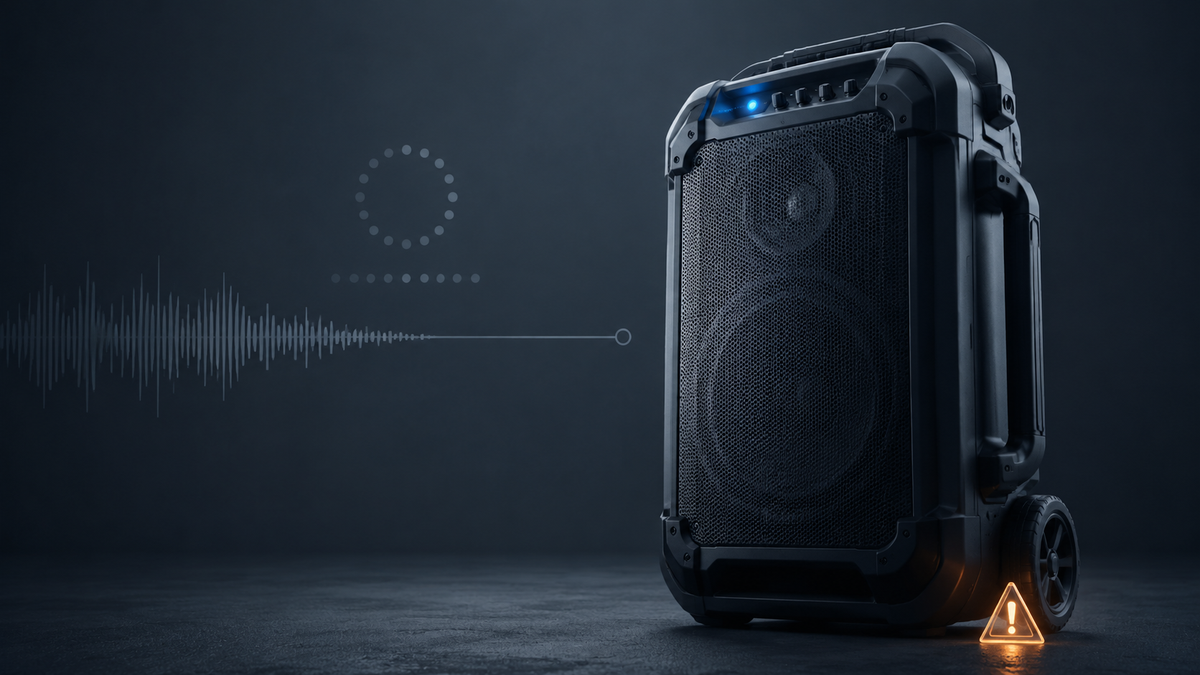
Status: workaround-available
Evidence level: Manufacturer-confirmed
Issue ID: SPL-TEU-SPK-001
Teufel has published an official recovery procedure for ROCKSTER NEO units that produce no sound after a firmware update. The company does not identify the affected firmware version, the number of affected units, or the failure rate.
Issue record
| Field | Details |
|---|---|
| Brand | Teufel |
| Product | ROCKSTER NEO |
| Variant / hardware revision | Not specified by Teufel |
| Issue | Speaker may remain silent after the firmware-update process |
| Impact | Audio output is unavailable until the installation completes or the recovery procedure succeeds |
| Trigger condition | After a firmware update |
| Report count | Not disclosed by the manufacturer |
| Independent-source count | 1 authoritative source (Teufel Support) |
| First observed by SoundPath Lab | August 8, 2026 |
| Confirmed | August 8, 2026 |
| Last checked | August 8, 2026 |
| Affected scope | Unknown |
| Lifecycle status | Active; Teufel's official store still lists the ROCKSTER NEO for sale |
| Current status | workaround-available |
What is confirmed
Teufel's support article specifically addresses a ROCKSTER NEO that remains silent after a firmware update. This is sufficient to confirm that the symptom is recognized by the manufacturer and is not based only on an isolated forum report.
The support article does not say that every unit is affected. It also does not identify a particular firmware build or explain the technical cause.
Official recovery procedure
Teufel instructs affected owners to:
- Disconnect the speaker from mains power.
- Remove the battery.
- Wait approximately five minutes.
- Reconnect mains power with the battery still removed.
- Turn the ROCKSTER NEO on. A blinking indication should show that firmware installation is running.
- If installation does not begin, trigger the firmware update again in the Teufel Go app.
- Allow up to 15 minutes and do not unplug the speaker during installation.
- After installation completes, disconnect mains power before reinstalling the battery.
If recovery still fails, Teufel asks the owner to contact support with photos or video, a screenshot showing the firmware version in the app, and the product serial number.
Buyer guidance
- Do not interrupt power while the reinstallation is running.
- Keep the battery removed during the initial recovery boot, as specified by Teufel.
- Do not assume the speaker has suffered permanent hardware damage solely because it is silent immediately after the update.
- Because the affected firmware version and incidence rate are unknown, buyers cannot reliably screen units by serial number or build number.
Manufacturer response
Teufel provides a recovery procedure and directs unresolved cases to support. No official statement was found identifying the root cause, affected production range, or a firmware release that permanently prevents recurrence.
Verification status
Fact: Teufel officially recognizes the post-update no-sound symptom and publishes recovery steps.
Unknown: affected firmware version, affected batch, incidence rate, technical cause, and whether the issue can recur.
Inference: the instructions suggest that firmware installation may be incomplete or may need to be restarted, but Teufel does not explicitly state this as the cause.
Sources
- Teufel Support: ROCKSTER NEO remains silent after firmware update — official support article, updated July 23, 2026.
- Teufel ROCKSTER NEO product page — confirms the product remains actively listed for sale at the time of checking.
Revision history
- August 8, 2026: Initial publication. Added manufacturer-confirmed symptom, official recovery steps, active lifecycle status, and unresolved scope limitations.
Related: Product Issues & Limitations · Firmware & App Update Tracker
Continue the research
Move from this article to a verified product decision
Use descriptive links to move between product records, brand evidence, comparisons, setup or issue guidance, and compatible-system tools. Inclusion reflects subject relevance, not a score or endorsement; product facts, recommendation eligibility, and commercial links remain separate.
Product page
Verify the exact model
Brand center
Check the wider platform
Related comparison
Compare the system role
Setup, firmware & problems
Check behavior before buying
System Builder & compatibility