Why does a streamer not appear in its control app?
Check power and setup mode first, then phone local-network or Bluetooth permissions, Wi-Fi band, router client isolation, VPN or private relay, and whether the phone and product share the same LAN. Record the current state before resetting the device.
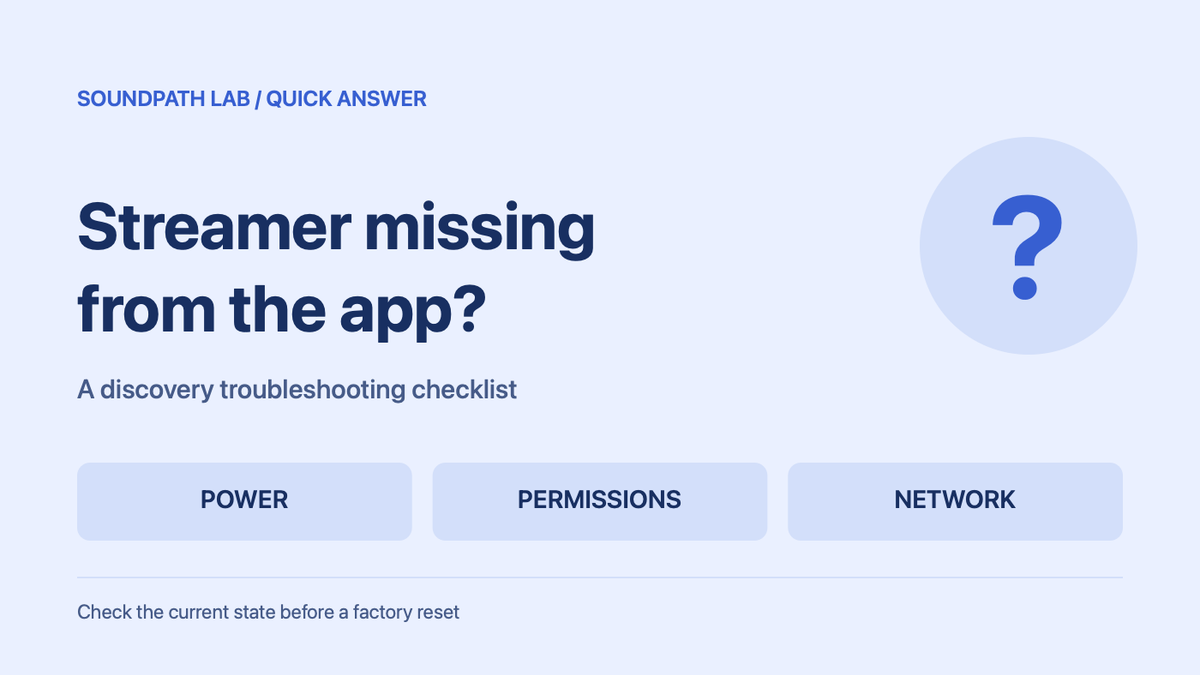
Short answer: Check power and setup mode first, then phone local-network or Bluetooth permissions, Wi-Fi band, router client isolation, VPN or private relay, and whether the phone and product share the same LAN. Record the current state before resetting the device.
Evidence status: Official-source or editorial troubleshooting answer. It is not labelled as SoundPath Lab hands-on or measurement validation.
What to verify in a hands-on record
Save a continuous discovery attempt plus product, firmware, phone OS, app version, router and Wi-Fi-band details.
Product binding
product:generic-streamer-discovery
Continue the research
Move from this article to a verified product decision
Use descriptive links to move between product records, brand evidence, comparisons, setup or issue guidance, and compatible-system tools. Inclusion reflects subject relevance, not a score or endorsement; product facts, recommendation eligibility, and commercial links remain separate.
Product page
Verify the exact model
Brand center
Check the wider platform
Related comparison
Compare the system role
Setup, firmware & problems
Check behavior before buying
System Builder & compatibility