
FiiO SR11 Explained: AirPlay, Roon Ready, Digital Outputs, and Firmware Limits
A specification-based guide to FiiO SR11: AirPlay, Roon Ready, USB and S/PDIF outputs, network setup, V630 firmware features, and compatibility limits.
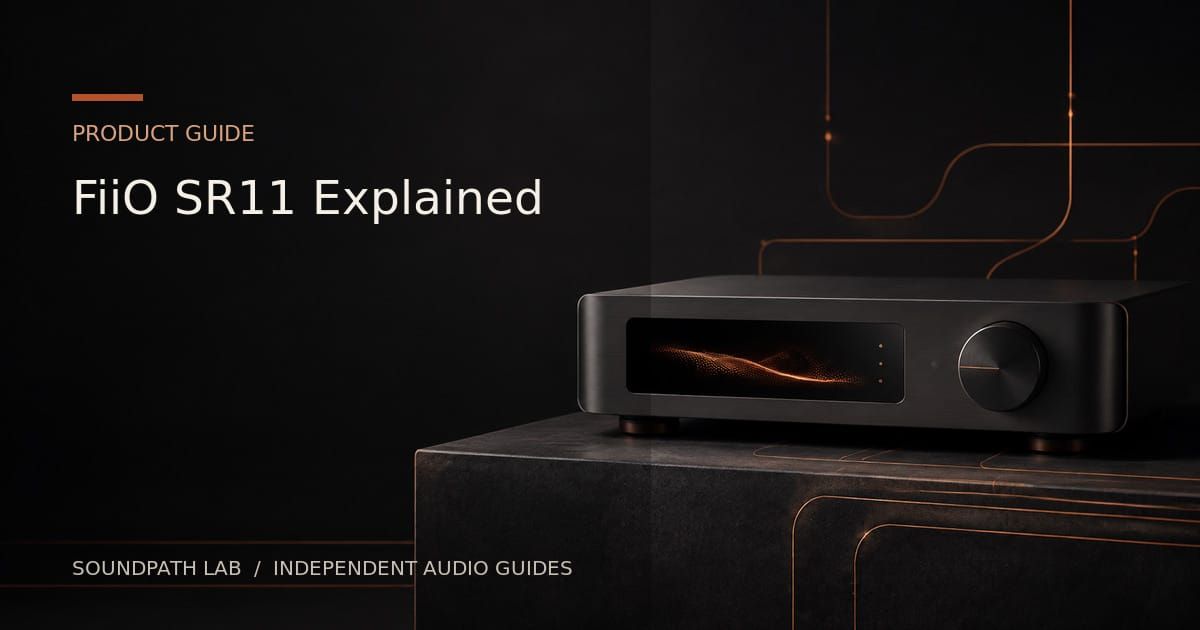
FiiO SR11 is a digital streaming transport. It receives network audio and sends it to an external DAC through USB, optical, or coaxial output. It has no analogue line output, no headphone amplifier, and no built-in speaker amplifier. That narrow architecture is useful when the owner already has a DAC and wants a compact AirPlay or Roon endpoint.
Editorial status: specification-based product guide, not a hands-on review. Features below reflect FiiO’s current product page and V630 firmware notes checked in August 2026.
Core streaming modes
FiiO officially highlights AirPlay and Roon Ready. AirPlay allows playback from iPhone, iPad, and Mac devices. Roon Ready integrates the SR11 as a certified Roon endpoint for local and online libraries managed by a Roon server.
Current V630 firmware adds Bluetooth reception, local playback, DLNA, FiiO Link, and over-the-air upgrade functions. FiiO also warns that some Android music apps may have compatibility problems during prolonged DLNA casting and that those issues cannot be completely resolved under Android system policies.
Digital outputs
- USB-A and USB-C digital audio outputs: for compatible external DACs.
- Optical S/PDIF: for DACs, amplifiers, and receivers with TOSLINK input.
- Coaxial S/PDIF: for compatible 75-ohm digital inputs.
FiiO advertises up to 32-bit/768 kHz PCM and DSD256 capability in supported USB-output and Roon configurations. S/PDIF has lower practical format limits; do not apply the headline USB figure to optical or coaxial output.
Network hardware
The SR11 includes gigabit Ethernet and dual-band 2.4/5 GHz Wi-Fi. Wired Ethernet is normally the first troubleshooting choice for large local libraries, high-rate playback, or unstable wireless environments.
Display and control
A front LCD shows operating mode, network status, volume, and sample-rate information. A knob provides local control, and FiiO includes an infrared remote for input, output, volume, and related functions. The display is useful for diagnosing whether the endpoint and output are in the expected mode.
Local playback and app dependence
FiiO states that local playback under V630 requires the latest FiiO Control app. This is different from a full standalone network player with a large on-device library interface. The SR11 remains an endpoint and transport whose experience depends heavily on the sending app or Roon.
What it does not replace
- A DAC: all listed outputs are digital.
- A preamplifier with multiple analogue inputs.
- A headphone amplifier.
- A streaming platform centered on Spotify Connect, TIDAL Connect, or Qobuz Connect.
- A full music server with internal storage.
Service support can evolve, but buyers should choose based on functions officially available now rather than expected future firmware.
Who should buy it
- Roon users needing an affordable dedicated endpoint.
- Apple users wanting an AirPlay transport for an existing DAC.
- DAC owners who value both USB and S/PDIF output choices.
- Desktop systems where a small display and remote are useful.
Who should look elsewhere
- Users wanting direct analogue output to an amplifier or active speakers.
- Listeners centered on Connect services rather than AirPlay or Roon.
- Buyers needing HDMI ARC, analogue input, EQ, room correction, or subwoofer control.
- Anyone expecting guaranteed DLNA compatibility with every Android app.
Bottom line
SR11 is best understood as a focused digital bridge. Its strengths are Roon Ready support, AirPlay, comprehensive digital outputs, high-rate USB capability, wired networking, display, and remote. Its limitations are not defects when the system already includes a DAC—but they make it a poor replacement for an all-in-one streamer with analogue output and broad Connect-service support.
Primary source: FiiO SR11 official product page and V630 firmware notice, checked August 2026.
Evidence & verification
Evidence basis: Official FiiO SR11 specifications and published support information, with editorial explanation of digital-output and platform limits. This is not a hands-on sound-quality or long-term firmware review.
Firmware and versions reviewed: SR11 capabilities available on August 7, 2026. No exact shipping firmware, control-app build or later service-certification state was independently captured.
Last checked: August 7, 2026.
Limitations: AirPlay, Roon, local-network discovery and USB or digital-output behavior can vary with firmware, server, router and connected DAC. Bit-perfect output and long-session stability were not independently tested across all paths.
Commercial disclosure: No paid placement or sample determined this guide. Any retailer or affiliate link will be labeled and will not change the conclusion. Full disclosure: https://www.soundpathlab.com/disclosure-funding/
Primary source: https://www.fiio.com/sr11
Related reading: https://www.soundpathlab.com/music-streamer-vs-dac-vs-network-player-what-each-one-actually-does/ | https://www.soundpathlab.com/airplay-and-airplay-2-explained-what-they-do-what-they-dont-and-why-it-matters/ | https://www.soundpathlab.com/firmware-app-update-tracker/
Continue the research
Move from this article to a verified product decision
Use descriptive links to move between product records, brand evidence, comparisons, setup or issue guidance, and compatible-system tools. Inclusion reflects subject relevance, not a score or endorsement; product facts, recommendation eligibility, and commercial links remain separate.
Product page
Verify the exact model
Brand center
Check the wider platform
Related comparison
Compare the system role
Setup, firmware & problems
Check behavior before buying
System Builder & compatibility