
WiiM Ultra Firmware 5.2.829661: Changes, Risks and Owner Checks
WiiM Ultra 5.2.829661 adds SoundCloud seeking and Google Cast changes. Separate verified release facts from an unconfirmed artwork report, then run the owner checks that matter.
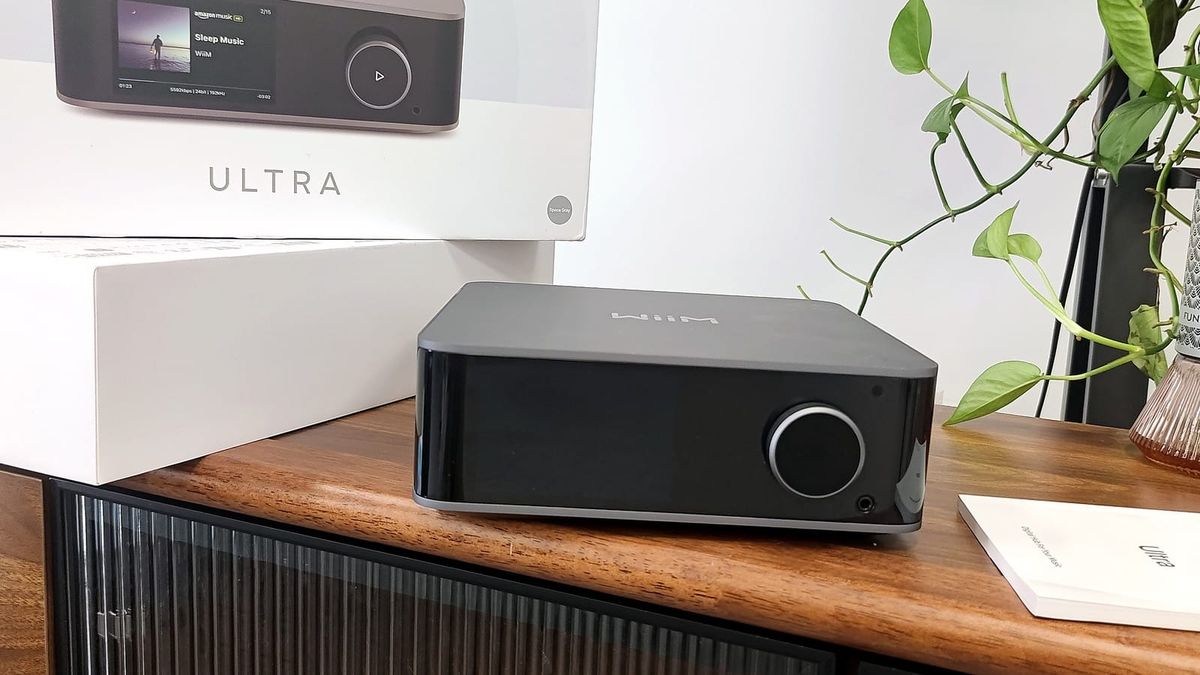
Evidence snapshot: 25 September 2026. This is a firmware reassessment and owner-check guide, not a SoundPath Lab device test. Firmware facts are primary-source verified; the artwork symptom below remains a community report.
WiiM released Ultra firmware 5.2.829661 on 17 September 2026. The official record adds SoundCloud seeking and extends Google Cast to WiiM multi-room playback and wireless WiiM Sub Pro output. It also says Ethernet and IPv6 handling were improved and TIDAL Connect stuttering was reduced.
That is enough to update the firmware history. It is not enough to mark every affected behaviour as independently fixed.
Quick answer: should an owner update?
- Update now if you need the new Google Cast/WiiM grouping path, wireless Sub Pro output through Cast, or SoundCloud seeking—and you can spend a few minutes checking the paths you depend on.
- Wait and observe if the Ultra is part of a stable, always-on system and none of the new functions matter. The rollout is staged, and a dated community report links the build to missing artwork in an LMS/Squeezelite-related use case.
- Do not call the artwork issue confirmed from one thread. Record the service, playback path and app version, then report a repeatable result.
The product remains current in the WiiM Ultra product dossier. This release does not change its lifecycle status or its buying recommendation.
What the official release confirms
WiiM’s help-centre release notes and staff forum post identify the same model, build and release date. They list four changes:
- SoundCloud: seeking within tracks added.
- Google Cast: WiiM multi-room playback and wireless WiiM Sub Pro output added.
- Network: Ethernet stability and IPv6 address handling described as improved.
- TIDAL Connect: playback stuttering described as reduced.
Evidence label: Primary-source Verified. This verifies what the manufacturer published. “Improved” and “reduced” are manufacturer claims until repeatable before/after evidence establishes the result in a defined system.
What the release notes do not establish
- They do not provide a test matrix, failure rate or affected-network definition.
- They do not say that all Ethernet, IPv6 or TIDAL Connect problems are resolved.
- They do not mention artwork behaviour, LMS or Squeezelite.
- They do not prove that a different WiiM model received the same change. This record is scoped to WiiM Ultra.
This boundary matters because the Audio Firmware & App Update Tracker records a released fix as “awaiting verification” unless SoundPath Lab or sufficiently detailed owner evidence reproduces the result.
Artwork report: current evidence status
A Lyrion Community thread reports that artwork stopped appearing on the WiiM Ultra screen and in the WiiM Home app after updating to 5.2.829661. Later discussion in that thread associates the behaviour with the Squeezelite component packaged in the firmware.
Evidence label: Community Report. SoundPath Lab has not reproduced the behaviour. The accessible official release notes do not acknowledge it, and we have not verified a brand response. The correct status is investigating / unconfirmed, not “firmware defect” and not “resolved.”
The report is still useful because it gives owners a narrow testable question: does artwork fail only through LMS/Squeezelite, or also through native services, internet radio, local USB and other inputs?
A focused post-update check
Record the firmware version, WiiM Home app version, phone operating system, network type and primary output before changing anything. Photograph any volume limit, fixed-output, EQ, room-correction and subwoofer settings that would be costly to reconstruct.
1. Confirm the ordinary path first
Play a familiar track using the service and output you use every day. Check play, pause, seek, next track, volume behaviour and the Ultra display. A new feature working does not compensate for a broken normal path.
2. Test only the changed functions you use
- For SoundCloud, seek forward and backward within two or three tracks.
- For Google Cast, test standalone playback before joining a WiiM group.
- If you own a Sub Pro, confirm that output is present, level is controlled and the previous crossover/phase choices remain appropriate.
- For Ethernet, leave Wi-Fi disabled if that is your normal configuration; check discovery after standby and one controlled reboot.
- For TIDAL Connect, test start, seek, track change and a 15-minute uninterrupted session.
3. Isolate artwork by playback path
Use the same album or station where possible, then record the result separately for native streaming, internet radio, LMS/Squeezelite and local-library playback. Note whether artwork is missing on the Ultra screen, in WiiM Home, or both. Do not merge these into a single “artwork failed” result.
4. Check recovery once
After the first successful run, put the Ultra into standby and wake it. Then perform one normal reboot. Confirm device discovery, selected output, volume behaviour, group membership and artwork again. Avoid a factory reset as the first diagnostic step because it destroys useful state and adds new variables.
Owner evidence template
- Model: WiiM Ultra
- Firmware: 5.2.829661
- WiiM Home app and phone OS: exact versions
- Network: Ethernet or Wi-Fi; IPv4/IPv6 status if known
- Playback path: SoundCloud, Google Cast, TIDAL Connect, LMS/Squeezelite, radio or local library
- Output: analogue, optical, coaxial, USB, HDMI ARC or headphones
- Expected / observed: one sentence each
- Repeatability: attempts and failures
- Recovery tried: standby, reboot, app restart or router restart—kept separate
Submit a dated result through Questions & Owner Evidence. A reproducible negative result can become an Issue record; a successful result can close an uncertainty without pretending to prove every system.
Keep, update or upgrade?
This firmware does not create a hardware-upgrade case by itself.
- Keep: the Ultra already meets your connection and service requirements, and your normal path remains stable.
- Update: one of the new functions matters, or a relevant TIDAL/network problem justifies a controlled retest.
- Upgrade: only when a hardware or service requirement remains impossible—for example, a protocol or connection the Ultra does not support. Compare the broader decision in Best Music Streamers for Real-World Hi-Fi.
The evidence standard is the same one used in the WiiM Brand Profile: firmware availability, app version and real system behaviour are separate records.
Evidence ledger
- SoundPath Lab Tested: No, not for this build.
- Primary-source Verified: build number, release date and four listed changes.
- Owner Evidence: None yet in the SoundPath Lab record for this build.
- Brand Response: Release notes only; no verified response to the artwork report.
- Community Report: Artwork absent after update in an LMS/Squeezelite-related thread.
- Editorial Inference: owners who do not need the new functions may reasonably wait while preserving a stable system.
- Unknown: frequency, affected configurations, rollback availability and whether the artwork symptom reproduces outside the reported path.
Sources
- WiiM Ultra firmware release notes — official help centre.
- WiiM Ultra 5.2.829661 announcement — WiiM Team forum post.
- WiiM Ultra artwork issue thread — community report; not treated as confirmed fact.
Change log — 25 September 2026: initial reassessment created; firmware history, artwork investigation lead and owner verification matrix prepared for record updates after publication.
Continue the research
Move from this article to a verified product decision
Use descriptive links to move between product records, brand evidence, comparisons, setup or issue guidance, and compatible-system tools. Inclusion reflects subject relevance, not a score or endorsement; product facts, recommendation eligibility, and commercial links remain separate.
Product page
Verify the exact model
Brand center
Check the wider platform
Related comparison
Compare the system role
Setup, firmware & problems
Check behavior before buying
System Builder & compatibility

